
Property Research Topic
Smart Living & Utilities
Technology is useful when the basics are reliable, manual overrides exist and the owner receives every account, password and service record.
Useful questions, comparisons, examples and next-step checks around Smart Living & Utilities.
Questions & Answers
Answers About Smart Living & Utilities
These answers organise the topic into practical checks, comparisons and useful research notes.
Ask for a handover pack that lets you operate and maintain the system without depending on one installer. It should identify each device and the functions it controls, include a basic system diagram and installation or configuration records, and explain how to use manual overrides. Confirm that administrator access is transferred to you, with accounts registered to an owner-controlled email and recovery method. Request the relevant warranty details, suppli…
2026-10-24 How do I compare retrofit proposals from different providers?When you receive retrofit proposals from different providers, use a simple side-by-side check to avoid missing important differences. Start with the scope: which loads (lighting, AC, security, energy monitoring) are included, and which rooms or zones will be upgraded now versus later. Check technical compatibility with existing wiring, such as neutral availability, switch boxes and Wi‑Fi coverage in key areas, and verify electrical safety and compliance wi…
2026-10-21 How should I compare warranties and local after-sales support for smart-home systems?Good question. When evaluating smart-home options, ask for the warranty details on each component (hardware, sensors, cameras, hubs, and cloud services): what’s covered, who bears the cost of parts and labour, and how long the coverage lasts. Check whether the warranty depends on keeping the original installer’s service plan active, or if you can switch to a local technician after handover. Confirm whether cloud-based services are essential for operation a…
 35 Q&A
Tropical Property Maintenance
 46 Q&A
Rental & Investment
 21 Q&A
Remote Ownership
 34 Q&A
Retirement, Relocation & Daily Life
 51 Q&A
Property Types & Buyer Planning
Beyond listing the hardware and the right to operate local controls, you’ll want clarity on data privacy and who controls what after handover. Ask the seller to include a data-transfer clause that confirms: who owns any data stored in cloud services or devices, and who can access or delete it after sale. Require the seller to provide all administrator credentials, ensure passwords are changed, and enable you as the new owner to manage or revoke access. Mak…
2026-10-19 What speed benchmarks should I use to prove real internet performance?To verify it will support remote work, request real speed-test results from the actual property rather than relying on provider claims. Have the seller or agent show measurements taken in the rooms you’ll use, at different times of day and in typical weather. Note down the download and upload speeds and the test’s date. Confirm what kind of fixed connection exists (fibre to the premises, FTTP, or other) and who provides the router and cabling. If fixed fib…
2026-10-17 What should I check during the site survey to confirm viability?During the site survey, use a practical checklist to establish what can be done now and what requires future work. Start with the electrical system: are there enough neutral conductors and accessible switch boxes in the rooms you want to automate? Check the condition and capacity of circuits feeding lighting, outlets, air conditioning units, pumps and any planned automation hubs. Evaluate Wi‑Fi coverage and potential backhaul options; a reliable wired back…
 25 Q&A
Wellness & Lifestyle Property
 4 Q&A
Thailife Residences — Sponsored
 3 Q&A
Thailife Beach House — Sponsored
 44 Q&A
Khao Lak Areas & Neighbourhoods
 44 Q&A
Thailand Property Ownership
To prove reliability, test the actual connection in the rooms you’ll use most (work desk, living room, or bedroom) and at different times of day. Ask the seller or agent for recent speed-test results taken at the property, ideally over several days and during rain or high-usage periods. Record download and upload speeds, latency (ping), and jitter, and note the exact connection type (fibre to the premises, VDSL, etc.) and the router model. Mark any spot wi…
2026-10-02 How should I compare warranties and after-sales support for retrofits?When choosing retrofit smart-home work, compare three things: what the warranty covers (parts, labour, and replacement of faulty devices), how long it lasts, and whether coverage remains if you move the equipment to a new home. Check cloud-dependence and what happens if an online service is discontinued, and whether local after-sales support is available in Khao Lak or Phang Nga. Confirm whether the warranty is transferable to new owners and if routine mai…
2026-09-28 What warranty and after-sales support should I require for retrofits?Your retrofit should come with clear warranty terms covering both hardware components (switches, sensors, controllers) and software (firmware, app access, cloud services). Ask for written confirmation of what's covered, duration, conditions that void warranty, and who handles claims. Because the system may depend on cloud services, confirm whether essential functions work locally if the internet is down and what happens during cloud outages. Check if warra…
 41 Q&A
Due Diligence & Contracts
 33 Q&A
Costs, Taxes & Ongoing Budget
 38 Q&A
Property Inspection & Coastal Risks
 36 Q&A
Building & Renovating in Khao Lak
To verify internet reliability, test the connection in the rooms where you plan to work or stream, not just the provider's advertised coverage. Ask the seller or agent for recent speed test results in the actual property and document times of day, weather conditions, and interference factors. Do multiple tests over a week to capture variability, including during the rainy season if possible. Check what type of fixed connection exists (fibre, ADSL, or VDSL)…
2026-09-23 How long does a retrofit typically take from survey to installation?Timelines depend on the scope, wiring complexity and the number of systems upgraded. After the site survey, the installer usually designs a phased plan and provides lead times for equipment and installation. A smaller retrofit targeting lighting and air conditioning with manual overrides can move faster; a broader retrofit adding security, energy monitoring and automation typically takes longer. Expect a staged process: implement core functions first, then…
2026-09-06 What specific tests should I run to verify internet reliability before buying?Test planning starts with your actual daily use. In the property, run a plan with multiple devices (laptop, phone, tablet) in the rooms you’ll use most. Do at least two speed tests per space, at different times of day, and include a test during rain if you can. Record both download and upload speeds, plus latency and jitter, to see if the connection meets needs for video calls, cloud work, and security devices. Check fibre or fixed broadband availability a…
Visual Examples
Images That Support Smart Living & Utilities
A small visual sample connected to this topic.
Visual Example
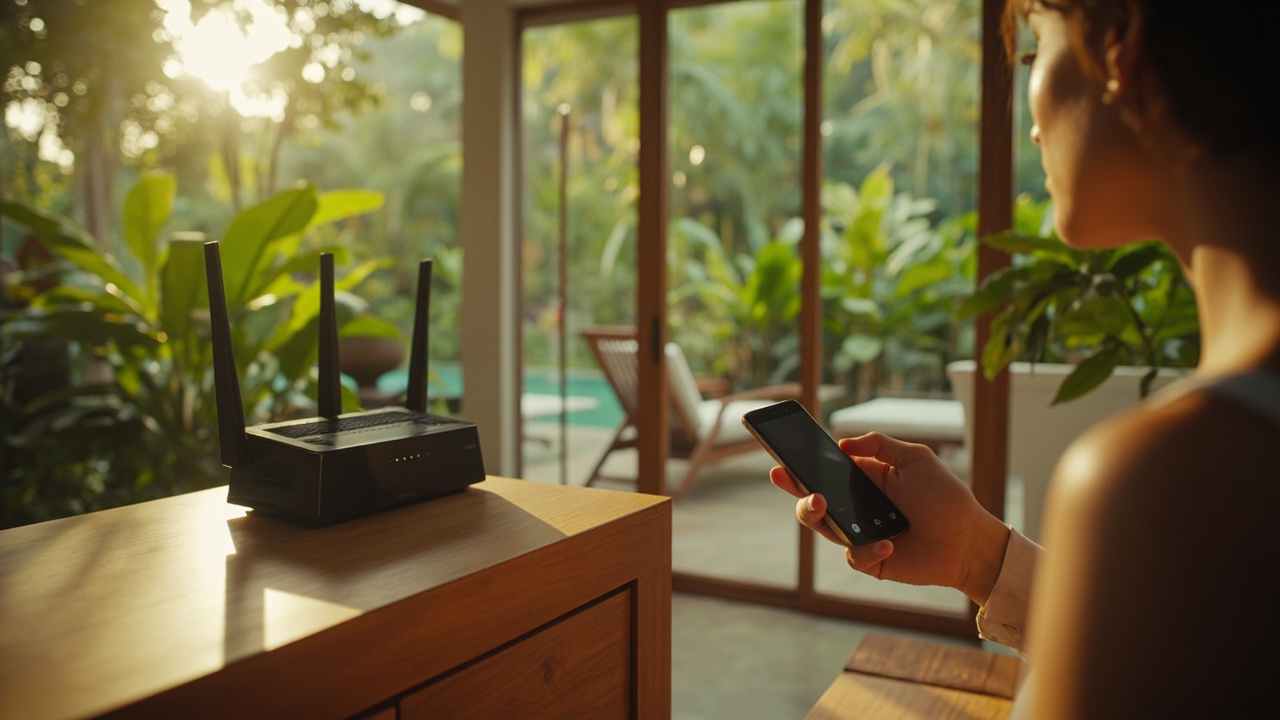
Generated editorial image for Internet And Smart Home: a modern tropical home wi…
 living room
Generated editorial image for Indoor-Outdoor Living: a seamless villa scene wher…
 bedroom
Generated editorial image for Air-Conditioned Comfort: a cool refined bedroom or…
 living room
Generated editorial image for High Ceilings: a dramatic open living room with hi…
 utility
Generated editorial image for Staff And Utility Rooms: a practical behind-the-sc…