
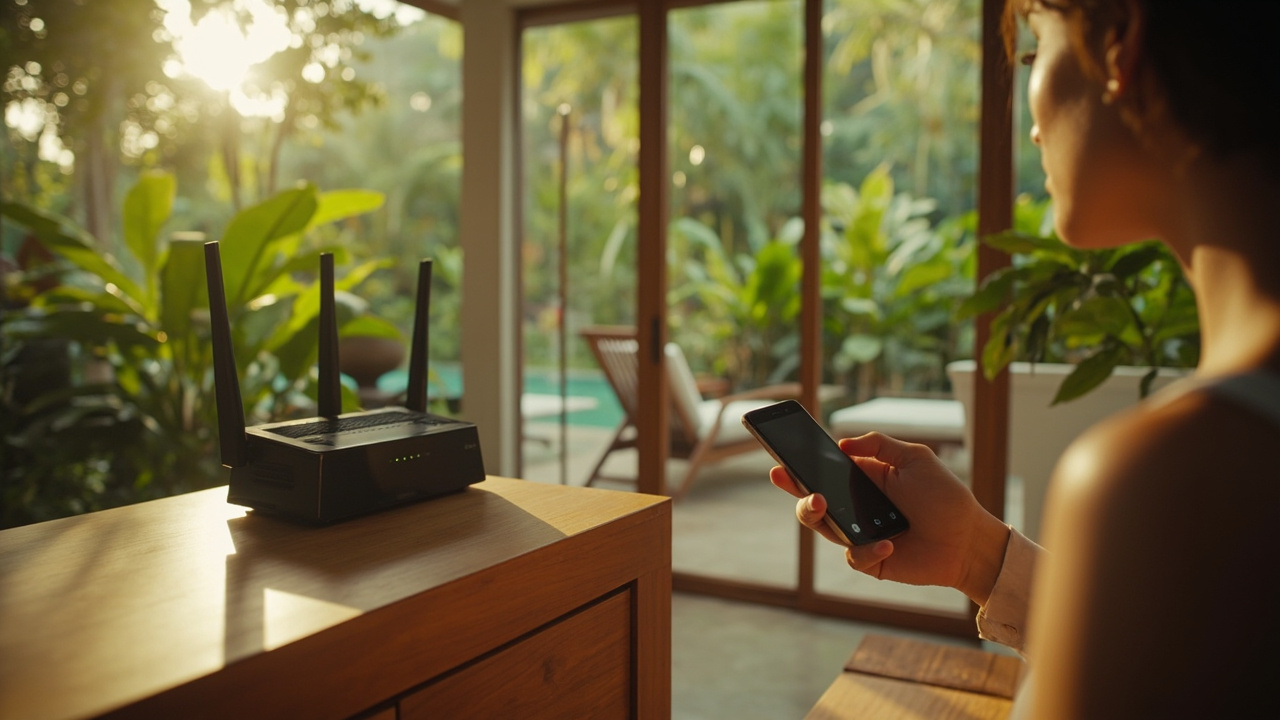
Test planning starts with your actual daily use. In the property, run a plan with multiple devices (laptop, phone, tablet) in the rooms you’ll use most. Do at least two speed tests per space, at different times of day, and include a test during rain if you can. Record both download and upload speeds, plus latency and jitter, to see if the connection meets needs for video calls, cloud work, and security devices. Check fibre or fixed broadband availability and confirm who owns and maintains the router and cabling; verify if there is a back-up mobile data plan or a fixed power backup for the network. Check Wi‑Fi coverage in key areas (kitchen, bedroom, garden, pool) and ask for a written maintenance schedule or service records if the property is managed. If you rely on smart devices or remote access, confirm you can transfer admin credentials and access logs. Request a short interim access period or contingency plan to confirm the setup matches your routine before moving in. This turns general provider claims into concrete steps for daily life in Khao Lak.
Public Property Q&A
What Specific Tests Should I Run to Verify Internet Reliability before Buying?

Useful next steps
Use this answer as a practical starting point. Current prices and availability should be confirmed with the relevant seller, developer or manager, while ownership, contracts, tax and inspection matters should be checked with qualified buyer-side professionals.
Related Topics
More Smart Living & Utilities Topic Pages
Explore more topic pages connected to this answer.





Related Visual Examples
A short visual sample connected to this answer or its topic.
 bedroomGenerated editorial image for Air-Conditioned Comfort: a cool refined bedroom or living area balanci…
 living roomGenerated editorial image for High Ceilings: a dramatic open living room with high timber ceiling, l…
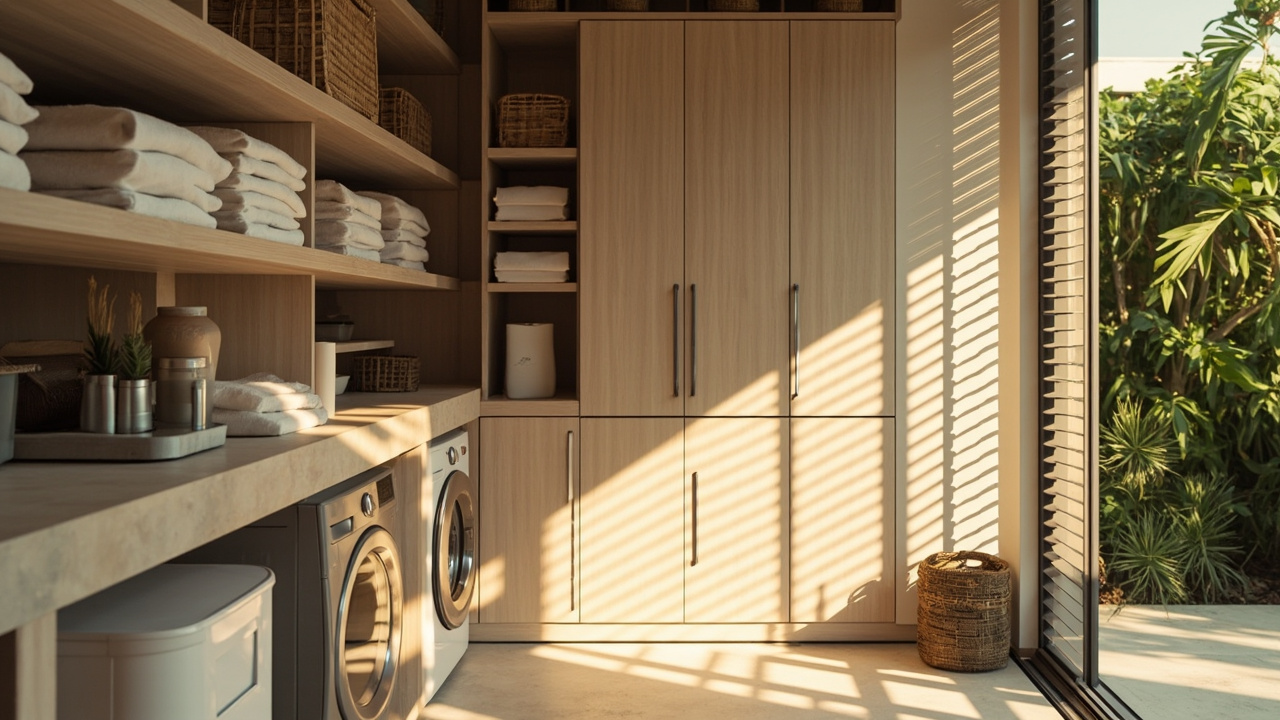 utilityGenerated editorial image for Staff And Utility Rooms: a practical behind-the-scenes residential ser…
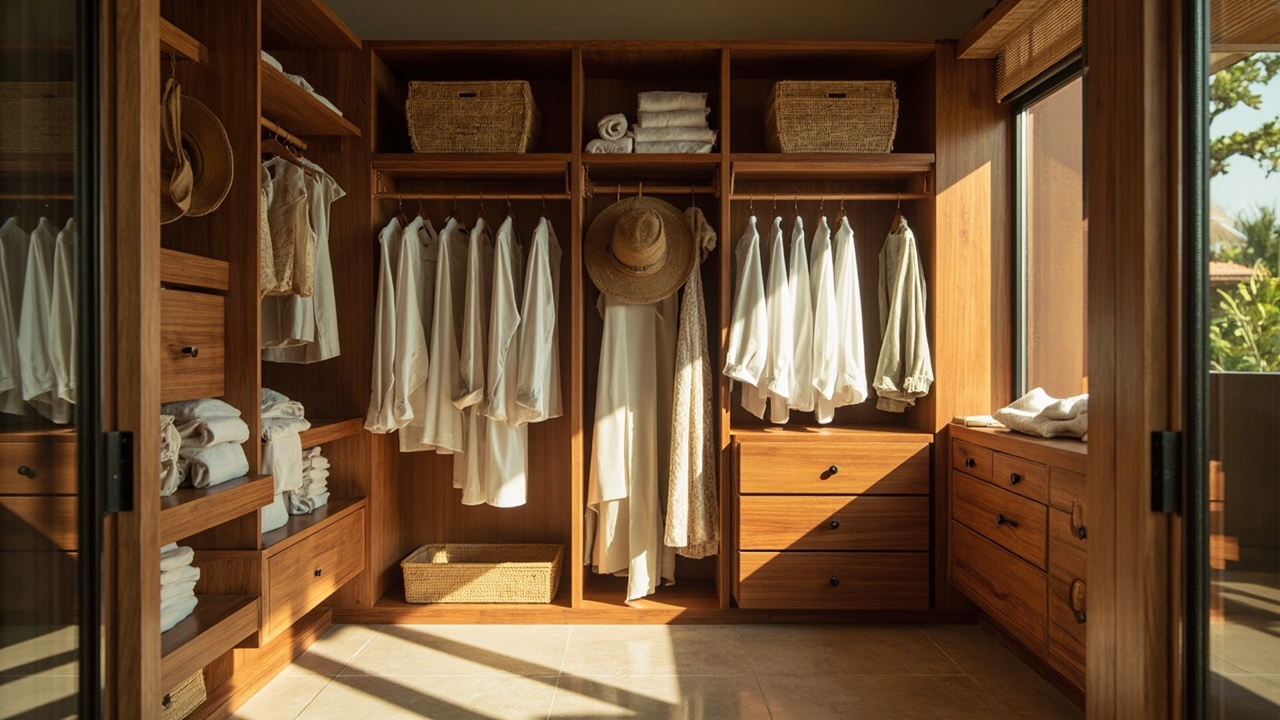 property lifestyleGenerated editorial image for Walk-In Wardrobes: an organised walk-in wardrobe suited to long-stay t…